

Steps for Root Cause Analysis in Systems Integration Testing:
1. Define the Problem
2. Collect Detailed Information
3. Document the exact steps to reproduce the failure
4. Identify Possible Causes
5. Consider common integration issues
6. Investigate and Verify Causes
7. Determine the Root Cause
8. Develop and Implement Solutions
9. Create a plan to address the identified root cause.
10.Monitor and Prevent Recurrence
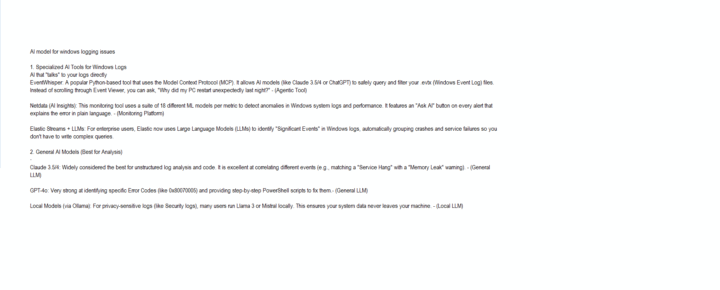
How does AI integration "talks" to your logs directly?
EventWhisper: A popular Python-based tool that uses the Model Context Protocol (MCP). It allows AI models (like Claude 3.5/4 or ChatGPT) to safely query and filter your .evtx (Windows Event Log) files.
Instead of scrolling through Event Viewer, you can ask, "Why did my PC restart unexpectedly last night?" - (Agentic Tool)
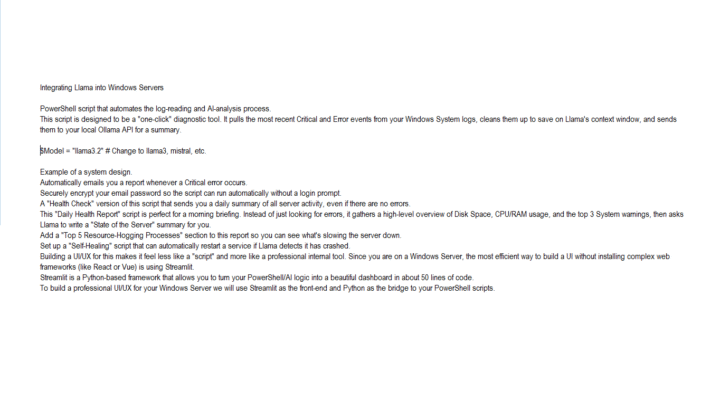
Integrating Llama into Windows Servers e.g. models like LIama3.2, mistral etc.
PowerShell script that automates the log-reading and AI-analysis process.
This script is designed to be a "one-click" diagnostic tool. It pulls the most recent Critical and Error events from your Windows System logs, cleans them up to save on Llama's context window, and sends it to system admins.

Job is done or money back